Website Redesign Checklist: 20 Steps to Keep Your SEO
A 20-step website redesign checklist to keep your Google rankings: URL mapping, redirects, staging, speed and the launch checks most redesigns miss.
MD Moniruzzaman Monir
Updated November 20, 2026
A redesign can make your site faster, clearer and better at turning visitors into customers. It can also wipe out years of Google rankings overnight if URLs change, pages disappear or the new build is slow. This website redesign checklist walks you through the 20 steps we follow at WPBuilderPros so a redesign keeps your SEO, and usually improves it.
Before you start: measure what you have
Export your current URLs. Crawl the site (Screaming Frog, Sitebulb or your sitemap) and save every URL, title, meta description and H1.
Save your top pages. In Google Search Console, export the pages and queries that bring the most clicks over the last 12 months. These pages must survive the redesign.
Record your baseline. Note organic traffic, conversions, Core Web Vitals and PageSpeed scores for key pages so you can compare after launch.
List your backlinks. Pages with links from other sites need to keep their URL or get a redirect.
Back up everything: files, database and a full export of content.
Plan the new site
Keep URLs where you can. Changing a URL is the most common reason a redesign loses rankings. Only change it if the old one is truly bad.
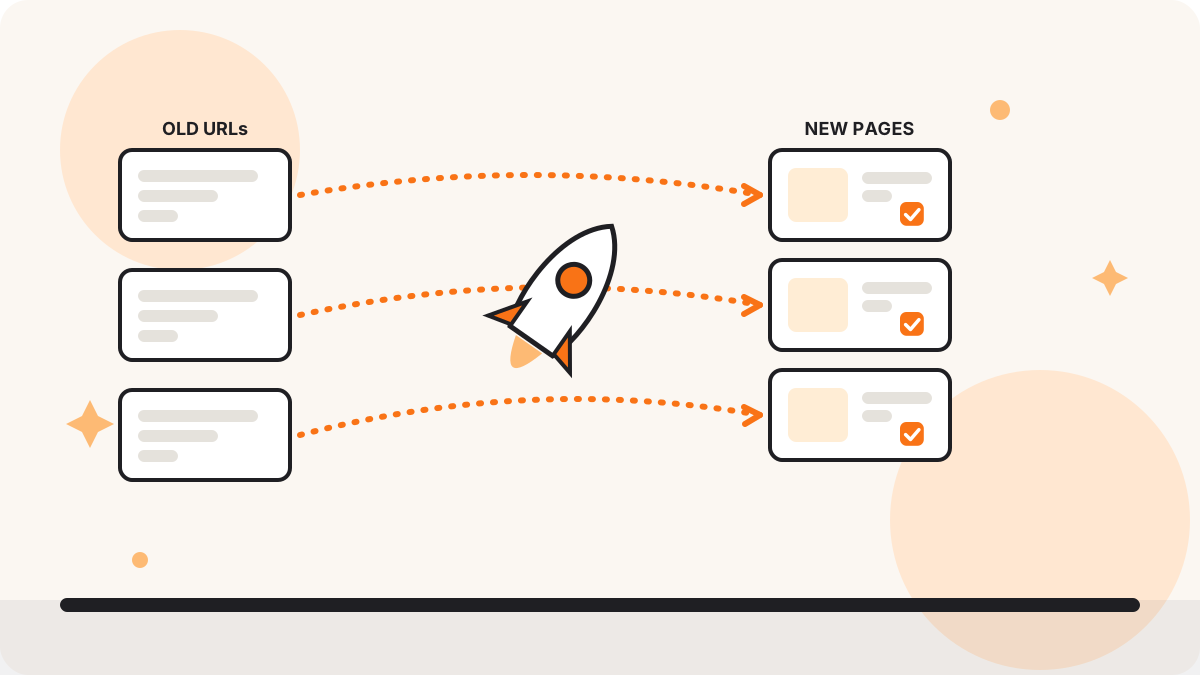
Map every changed URL to a new one. Build a redirect map: old URL, new URL, one row per page. No page should end up as a 404.
Keep (or improve) the content on ranking pages. A prettier page with half the text often ranks lower. Rewrite to be clearer, not shorter.
Plan the structure. Keep important pages close to the homepage in the menu and internal links.
Build on a staging copy
Build on staging, not on the live site, and block search engines from the staging site.
Carry over titles, meta descriptions and headings from your export, then improve them.
Keep structured data. Local business, product, FAQ and article schema should be on the new pages too.
Optimize speed from day one: compressed WebP images, lazy loading, fewer plugins and clean page builder output.
Check mobile first. Google ranks the mobile version of your site.
Keep alt text, image names and internal links.
Launch day
Add all 301 redirects from your map, then test a sample of old URLs.
Remove the “discourage search engines” setting and any noindex left over from staging. This one mistake has hidden many new sites from Google.
Submit the new XML sitemap in Google Search Console and inspect your most important URLs.
After launch
Watch Search Console daily for two weeks: 404 errors, coverage drops and ranking changes on your top queries.
Compare against your baseline after 4 to 8 weeks: traffic, conversions and Core Web Vitals. Fix any page that dropped.
The mistakes we fix most often after a redesign
URLs changed with no redirects.
The new site launched with “noindex” still on.
Service pages cut down to a headline and two lines of text.
Huge images and heavy animation that slow the site.
The blog removed because “nobody reads it”, taking its rankings with it.
FAQ
Will a redesign hurt my SEO?
Not if URLs, content and redirects are handled properly. A small dip for a week or two is normal while Google recrawls. A lasting drop usually means something on this checklist was missed.
How long does a website redesign take?
For most business sites, two to six weeks depending on size, content and revisions.
Should I change my page builder during a redesign?
It is a good moment to do it, for example moving from Elementor or Divi to Breakdance or Bricks for a faster site. Just follow the same URL and redirect rules.