November 20, 2026
How to Fix Core Web Vitals (LCP, INP, CLS) on Page Builder Sites
Read article →

Security · WordPress
How to spot the Japanese keyword hack in WordPress, remove the spam pages and backdoors step by step, clean Google results and stop it coming back.

Updated November 20, 2026
You search for your business on Google and see pages in Japanese selling knock-off brands, all under your own domain. That is the Japanese keyword hack, one of the most common WordPress infections. It creates thousands of spam pages on your site, hides them from you, and can push your real pages out of search results. Here is how to confirm it, clean it and stop it coming back.
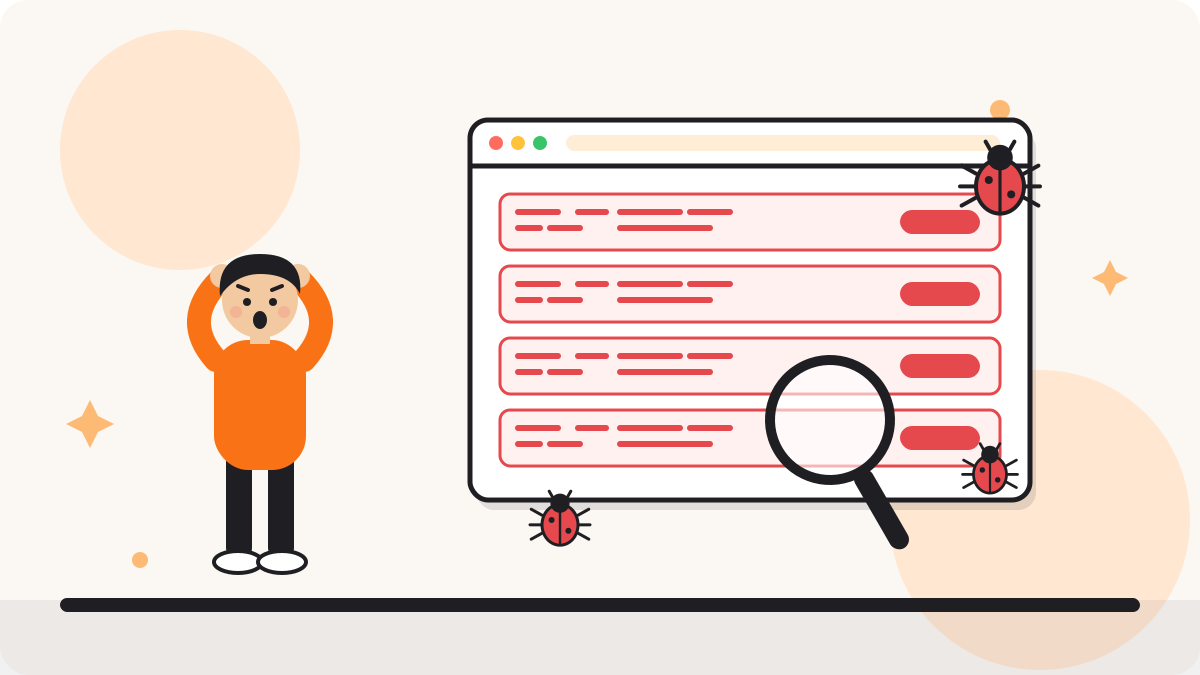
Attackers get into your site, usually through an outdated plugin, a weak password or a leftover file, and add code that generates spam pages in Japanese. The pages are often shown only to Google, so the site looks normal to you. Google then indexes the spam under your domain, which hurts your rankings and your reputation.
site:yourdomain.com search on Google shows Japanese titles you did not write..htaccess file contains rules you did not add.wp-content, the uploads folder (PHP files do not belong there), wp-config.php, .htaccess and the database (options and posts).
Usually a few days to a few weeks after cleanup, depending on how many pages were indexed and how often Google crawls your site. Returning 410 for spam URLs and using the removal tool speeds it up.
Sometimes it finds part of the infection, but this hack often leaves backdoors and database entries behind. A manual check is the safest way to make sure it is fully gone.
In most cases, yes, once the spam is gone and Google recrawls the site.
Only if you know the backup is from before the hack, and you still need to fix the hole that let attackers in.
Read our guide on what to do in the first 24 hours after a hack, or let WPBuilderPros remove the malware for you, with same-day response and hardening included.
Tell us what you are working on. You get a clear plan and a fixed quote.
Keep reading
Free call · no sales pitch
Pick a time that suits you. A rough idea or a broken site is enough. You leave with a clear plan and a fixed quote.
Your call is with Moniruzzaman Monir, WordPress expert
A free 30-minute chat about your site. Not a sales pitch.
Calendar not loading? Open the booking page or send a message.
Moniruzzaman MonirWordPress expert, WPBuilderPros